8 tips for a photo book you'll love
Small tips for a photo book that is a joy to leaf through: find the story, choose the best photos, give them room, and add a few words.

A good photo book doesn’t have to be perfect. It just has to be lovely to leaf through. Here are eight small tips to help you on your way.
1. Find the story first
Before you choose any photos, think about what the book is about. The summer holiday in Skagen? Your little one’s first year? Once you know the story, it’s much easier to see which photos belong. Start with setting off, and end with the trip home.
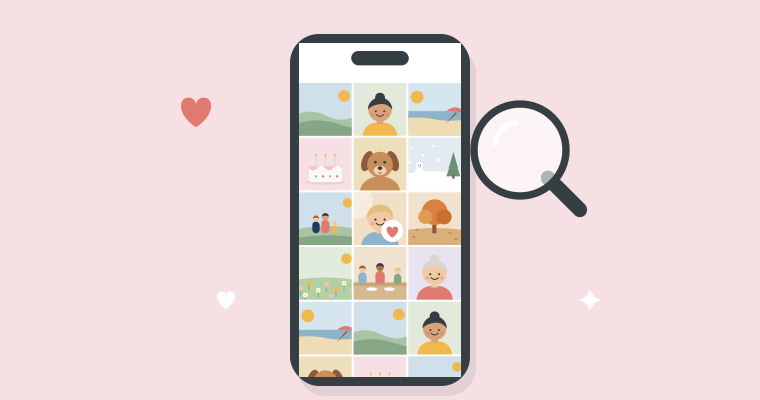
2. Choose the best, not all of them
It’s tempting to put everything in. But a book with fewer photos is often a better book. If you have ten photos of the birthday cake, keep the best one. A good rule of thumb: if you’re unsure about a photo, leave it out.
3. Mix wide shots and close-ups
A photo from a distance shows where you were. A close-up shows who was there. And a small detail, like sandy toes or the candles on the cake, sets the mood. When the three take turns, the book comes alive.

4. Give your favourite photo a whole page
The photo you love most deserves room. Give it a page of its own, and let it go all the way to the edge. Then people stop and look when they turn the page.
5. Let the pages breathe
A page doesn’t have to be full. A single photo with a white border can be the nicest thing on the whole spread. Switch between pages with one photo and pages with several, and the book gets a calm rhythm.
6. Choose the cover last
The cover is the first thing people see. Choose a photo that shows what the book is about, and give it a title, such as “Skagen 2026” or “Ella’s first year”. It’s often easiest to choose the cover once the rest of the book is done.
7. Write a few words
The photos say most of it, but a few words make the book personal: where and when, or what your little one said right then. They don’t have to be long. There are more ideas in What to write in your photo book.
8. Finish it
The book will never be quite perfect, and that’s fine. What matters is that the photos get out of the phone and onto the coffee table. Next year you can make another one.
How to make the book in the app, step by step, is in How to make a photo book on your iPhone. Enjoy making it.