
A photo book of your own photos
Make a photo book on your iPhone. The app lays your photos out on the pages for you, you make the book your own, and we print it and send it to a parcel shop near you.
- From DKK 229
- 28–120 pages
- Ready in 4–5 working days
- Delivery DKK 59
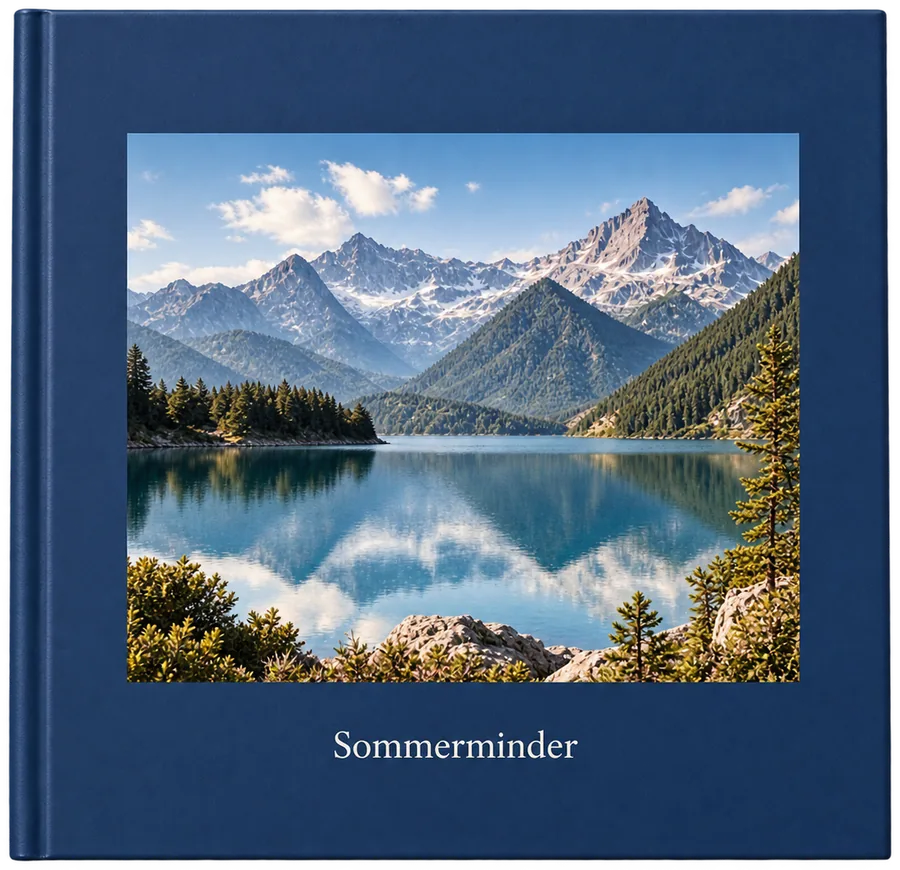
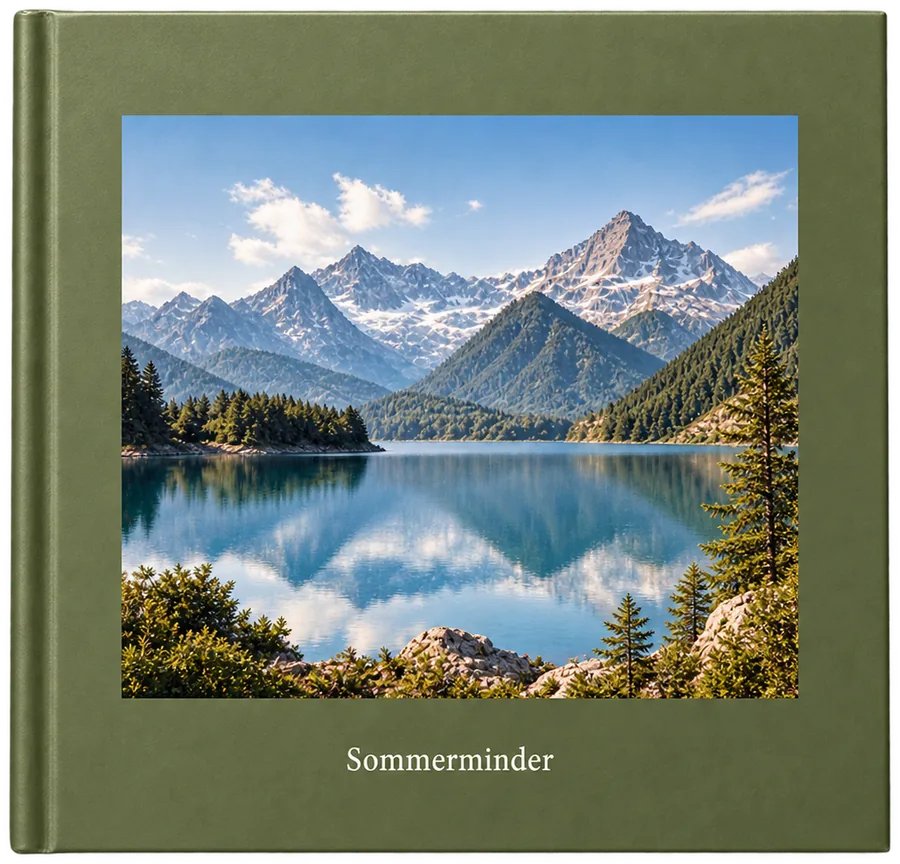
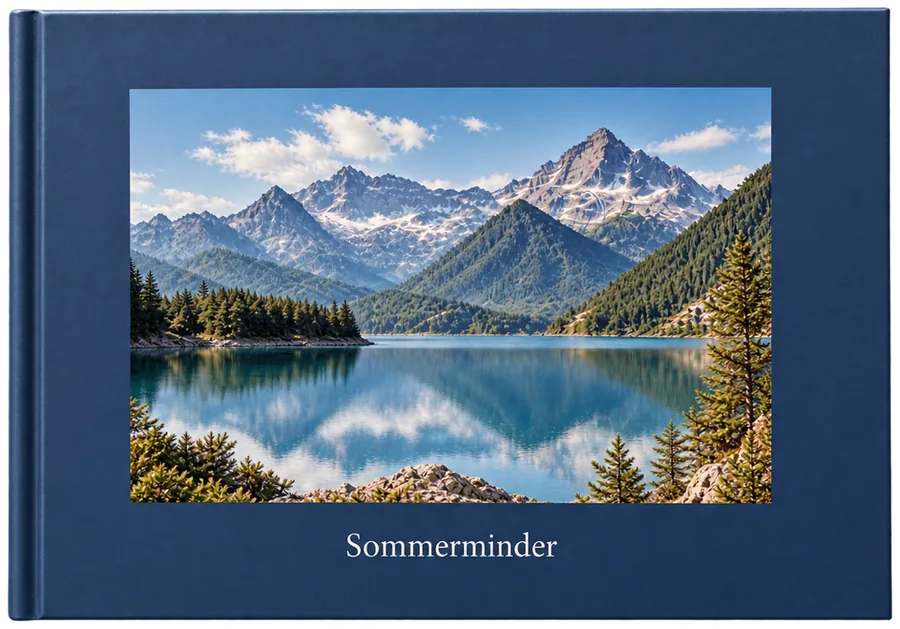
20 × 20 cm · 28 × 28 cm
Find your photo book
28 pages
Up to 100 pages, from DKK 5 per 2 extra pages
Hardcover or softcover
Matt laminated, stiff or light and flexible
Silk paper 170 g
Smooth pages with deep colours
from DKK 229
Incl. VAT. Delivery DKK 59.
Formats and prices
| Photo book | Size | Pages | Extra pages | Price |
|---|---|---|---|---|
| Square, softcover | Medium · 20 × 20 cm | 28–100 | DKK 5 per 2 pages | DKK 229 |
| Square, hardcover | Medium · 20 × 20 cm | 28–100 | DKK 5 per 2 pages | DKK 299 |
| Landscape, hardcover | Large · 28 × 21 cm | 32–120 | DKK 6 per 2 pages | DKK 399 |
| Square, hardcover | Large · 28 × 28 cm | 28–100 | DKK 10 per 2 pages | DKK 449 |
Prices include VAT. Delivery to a parcel shop in Denmark costs DKK 59 and takes 4–5 working days.
Paper and covers
-
Hard cover
Stiff with a matt laminate. Stands up to lots of reading and looks good on the shelf.
-
Soft cover
Matt laminated card. Light and flexible, and cheaper than a hard cover.
-
170 g silk paper
Smooth pages with deep colours. Every book is printed on the same paper.
-
To the edge or a white border
Let the photo run right to the edge of the page, or give it a white border.
As easy as this
This is how you make a page in the app. Try it.
Template
Border
Colour
Page 3




How to make a photo book
-
Get the app
Get FamilyPrint on your iPhone and pick the book you want to make.
-
Choose your photos
Pick photos from your library, including those in iCloud. The app lays them out on the pages for you.
-
Make it yours
Swap photos, pick layouts, add text and colour the pages. The app shows whether a photo will print sharp.
-
Order
Pay in the app. We print the book, and it's ready at a parcel shop near you 4–5 working days later.
Ideas for your photo book
-
The holiday
The trip from the first day to the last, with a few lines about each day.
-
Baby's first year
A chapter for each month, from the first days to the first birthday.
-
The year that was
The year's best moments in one book. A tradition that grows on the shelf.
-
For the grandparents
Order an extra copy, or send the book straight to them.
-
Weddings and parties
The day through all the guests' phones, in one place.
-
The children's drawings
Photograph the drawings before they vanish from the fridge.
Photo book questions
How do I make a photo book?
Get FamilyPrint on your iPhone and pick a book. Choose your photos and the app lays them out on the pages for you. Then you can move them around, change layouts, add text and give the pages a colour. When you're happy with it, you order in the app.
How many photos do I need?
That's up to you. A book has 28 to 120 pages, with one to five photos on a page. As a rule of thumb, 40 to 120 photos fill a book nicely. You can add and remove pages as you go.
How many pages can a book have?
28 to 120 pages, depending on the book. The price covers the smallest number of pages, and extra pages cost from DKK 5 per 2 pages.
What paper do you print on?
Books are printed on 170 g silk paper with deep colours. Calendars are printed on heavier 250 g silk paper.
Will my photos be sharp enough?
When you edit a photo, the app shows how sharp it will print. Photos from a recent iPhone are sharp enough for a full page. If a photo is too small for its space, make it smaller or choose a layout with more photos.
Can I add text to the book?
Yes. You can give the cover a title and choose pages with room for text, such as a heading or a few lines about the day. You type straight onto the page and see right away how it looks.
Can I order several copies of the same book?
Yes. Choose the number in the basket before you pay. Then the grandparents can have one too.
Can I send the book straight to someone else?
Yes. Enter the recipient's name and address when you order, and the book goes to a parcel shop near them.
Advice before you start
- 3 min read
How to make a photo book on your iPhone
Make a photo book on your iPhone, with no computer and no account. Here are the five steps, from choosing your photos to the book waiting at a parcel shop.
- 2 min read
Which photo book should you choose? Format, size and cover
Square or landscape, medium or large, hard or soft cover? Here are the differences, and which photo book suits your photos.
- 2 min read
How many photos do you need for a photo book?
As a rule of thumb, 40 to 120 photos fill a photo book nicely. Here's how to work out the number, and how to choose the best ones.
A few words from us
FamilyPrint is brand new, so we don't have any reviews yet. Instead, here are two promises from me.
Emil, founder of FamilyPrint
Happy with your book, or we'll print it again or give you your money back.
Your photos are safe with us and only used to make your book.
Write to Emil