8 tips for better photos with your phone
You don't need a big camera. With eight small tips, the photos from your phone get clearer, brighter and happier, and it shows in your photo book.
Your phone is always with you, and it takes good photos. With a few small habits they get even better, both on screen and in your photo book.
1. Wipe the lens
Your phone lives in your pocket, and the lens gets fingerprints. Wipe it on your sleeve before you take the photo. Then it comes out clear instead of hazy.
2. Find the soft light
Soft light makes the nicest photos. Indoors, stand by a window. Outdoors, find some shade, or take your photos in the morning and the evening, when the sun is low. Leave the flash off if you can.

3. Get down to the children’s height
Photos taken from above make children look small. Crouch down, or lie on the floor, so you see the world from their height. The same goes for the dog.
4. Move closer
Use your feet instead of zooming with your fingers. When you zoom with your fingers, the photo can get less sharp, and that shows on paper. More about that in Will your photos be sharp enough for a photo book?
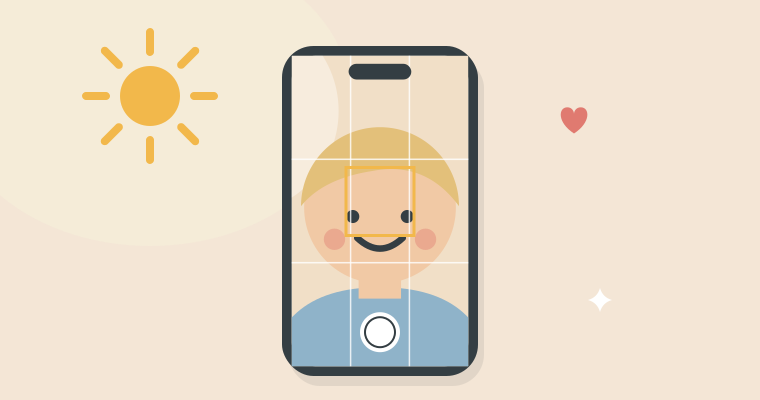
5. Tap the face
Tap the screen where the face is, and the camera focuses there. Drag your finger up or down if the photo should be brighter or darker.
6. Take lots of photos
It costs nothing to take ten photos instead of one. Then there’s usually one where everybody has their eyes open. When things move fast, slide the shutter button to the left to take a whole burst.
7. Catch the moment
The best photos are often the ones where nobody is posing. Take the photo while they build sandcastles or eat ice cream. And remember the little things: small hands, sandy toes and the cake with the candles.
8. Be in the photos yourself
The person taking the photos is often the one missing from the photo book. Hand the phone to someone else now and then, or use the self-timer. In a few years you’ll be glad you’re in there.
Already have thousands of photos on your phone? Then read How to find your best photos on your iPhone.