
Tips for a photo calendar to enjoy all year
Tips for your photo calendar: photos that suit each month, the family birthdays written in, and a theme that carries you through the whole year.

A photo calendar hangs where you look every day, often in the kitchen. So it should be nice to look at in all twelve months. Here are seven tips for a calendar you’ll enjoy all year.
1. Find a theme
A theme ties the calendar together. It could be one grandchild for each month, the year’s trips, or the dog through a whole year. Then everyone looks forward to turning the page.
2. Let the photos suit the month
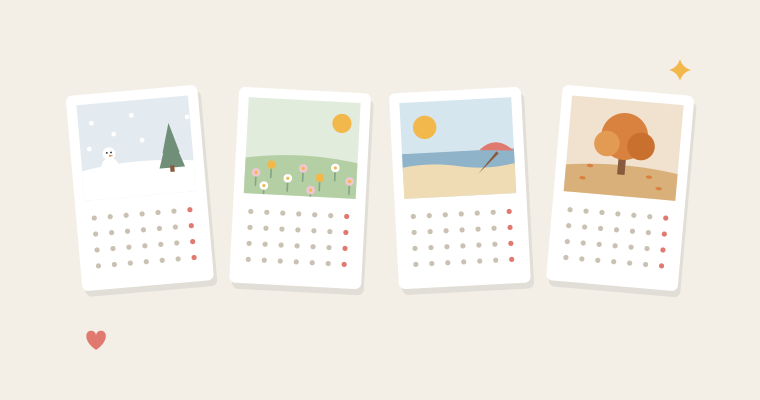
Snow and cosy days in January, Easter eggs in April, the beach in July and the Christmas tree in December. A good trick is to choose photos from the same month last year. Then the season is almost always right.
3. One good photo beats five small ones
Each photo is looked at for a whole month. One big, clear photo often works better than lots of small ones. If you have a month with a whole series from the same day, choose a layout with two or four photos.
4. Check how the photo is cropped
The photo has its own shape on each calendar, so some of it may be cut off. Make sure nobody’s head is cut off. When you edit the photo in the app, you can zoom and move it so the important part stays in.
5. Write in the important days
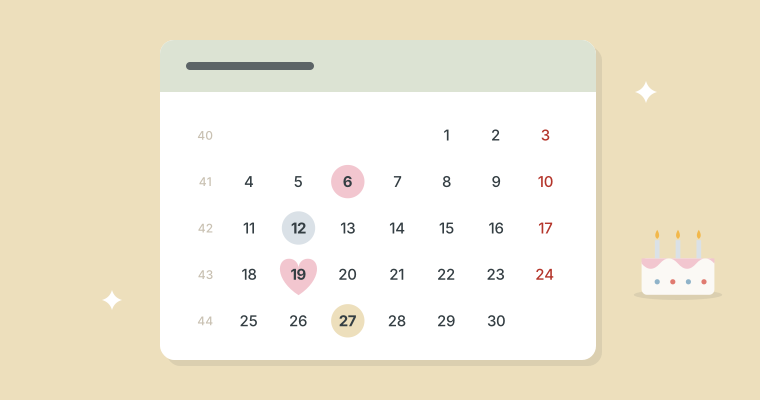
Public holidays and week numbers are already there. You write birthdays, wedding anniversaries and the first day of school straight onto the day in the app. Ask the rest of the family, so nobody is forgotten. And put the birthday person’s photo on the month of their birthday.
6. Let it start when it’s given
The calendar doesn’t have to start in January. If you give it for a birthday in May, it can start in May. You can also make one for the school year, from August to July.
7. Make it a tradition
A new calendar for the grandparents every year is a present they’ll look forward to. Collect the good photos in an album in Photos during the year, and next year’s calendar is half done. If both sets of grandparents should have one, just choose how many in the basket.
How to make the calendar in the app, and what it costs, is in How to make a photo calendar from your own photos.